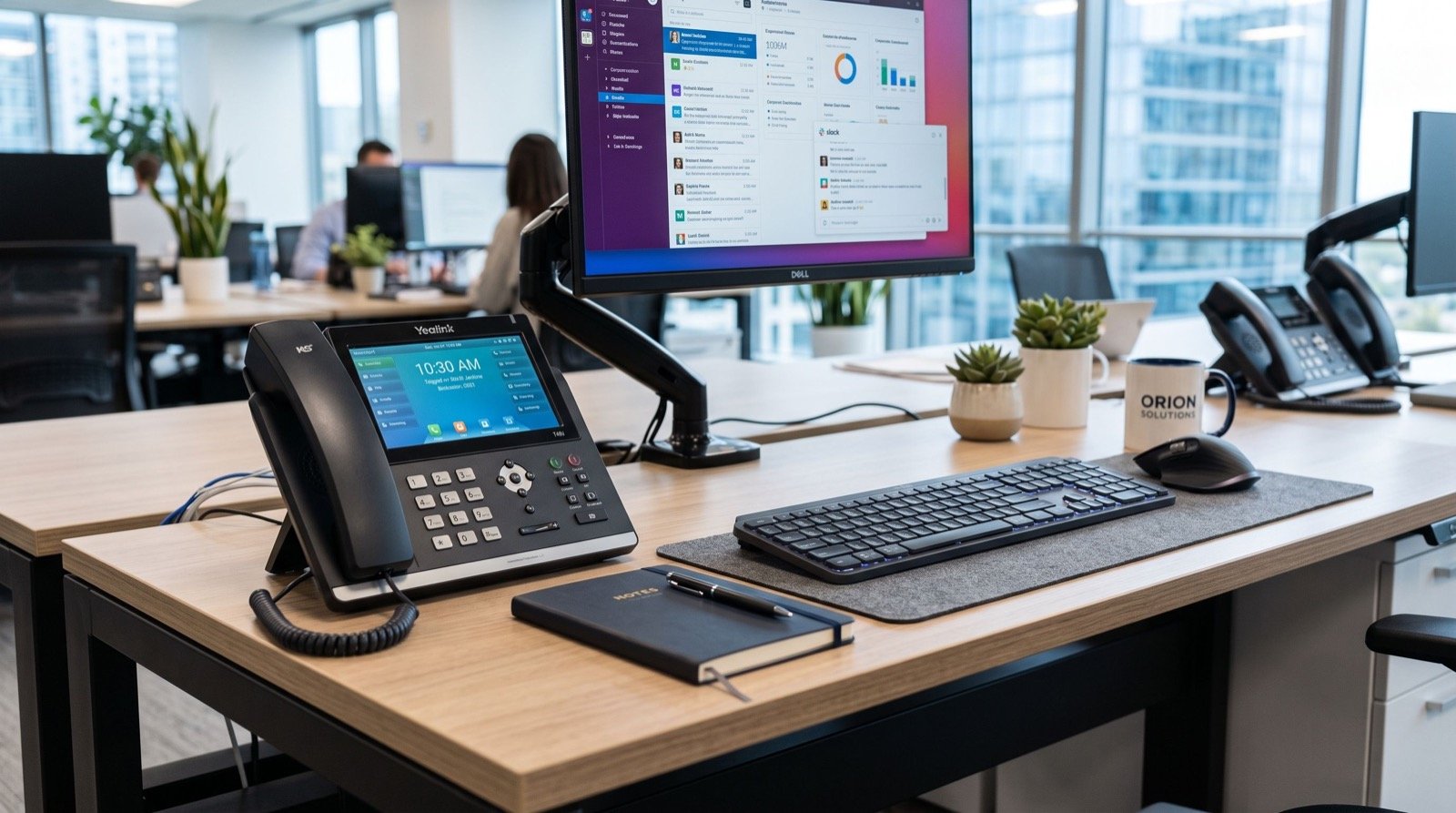
Fanvil X210: The Enterprise IP Phone Built for Busy Executive Desks in 2026
When a growing company outgrows its old analog handsets, the front desk and the boardroom usually feel the strain first. The Fanvil X210 answers that moment directly, pairing a large color display with twenty line keys so receptionists, managers, and sales leads can juggle heavy call volume without missing a beat. In this 2026 guide, we break down why this high-end desk phone has become a default pick for Pakistani enterprises standardizing their communication stack.
We have deployed VoIP hardware across offices, call floors, and remote branches for years, and the pattern is consistent: the device at the busiest desk sets the tone for the whole rollout. Choose a cramped handset and staff improvise with mobiles; choose a capable one and the phone system finally earns its keep.
Why the Fanvil X210 Stands Out for Enterprise Use
The X210 is positioned at the top of the desk-phone range, and the spec sheet shows it. A 4.3-inch main color screen is backed by two 3.5-inch side screens that expose extra programmable keys, giving a single user quick access to dozens of contacts, queues, or busy-lamp-field indicators.
That matters because an executive assistant managing five directors does not want to scroll menus during a live call. One glance, one press, call transferred. The hardware removes friction instead of adding it.
- High capacity: up to 20 SIP lines for dense call environments.
- Dual Gigabit ports: the phone and the PC share one wall drop without throttling the network.
- HD wideband audio: clearer speech on long negotiation calls.
- Built-in Bluetooth and Wi-Fi options: headset freedom for people who pace while they talk.
- Power over Ethernet: one cable carries data and power, so desks stay tidy.
For context, the Session Initiation Protocol that powers these phones is a long-standing open standard documented by the IETF in RFC 3261, which is why Fanvil handsets interoperate cleanly with modern IP-PBX platforms like Asterisk, 3CX, and FreePBX.
Who Should Put a Fanvil X210 on Their Desk?
Not every seat needs twenty keys. The X210 shines where a single person is a communication hub. Think of the receptionist routing the whole building, the dispatcher coordinating field teams, or the office manager who also fields vendor calls all day.
For mobile staff who roam a warehouse or a multi-floor site, pair the desk units with a cordless option such as the Fanvil W610W, which keeps those users on the same extension plan while they move. A mixed fleet, fixed power desks plus roaming handsets, usually serves a real company better than one device type forced everywhere.
How many extensions can one X210 realistically handle?
With 20 line keys and multiple SIP accounts, a single unit comfortably supervises an entire small department. Many deployments assign a few keys to personal lines and reserve the rest for monitored colleagues, hunt groups, and speed dials.
Fanvil X210 Compared to Lighter Desk Phones
The table below shows where the X210 sits against a typical mid-range and entry handset, so you can match spend to the actual role.
| Feature | Entry desk phone | Mid-range phone | Fanvil X210 |
|---|---|---|---|
| SIP lines | 1–2 | 4–6 | Up to 20 |
| Display | Monochrome | Single color | Color + dual side screens |
| Network ports | 10/100 | Gigabit | Dual Gigabit |
| Best for | Hotel room / lobby | Staff desk | Reception / manager / dispatch |
The lesson from the table is simple: pay for keys and screens only where a person actually routes calls. That is where the X210 pays for itself in saved seconds per call.
Planning a Smooth Rollout
A phone is only as good as the deployment around it. Treat the hardware purchase as step one of a short project, not the finish line. The steps below reflect how a careful rollout usually runs in 2026.
- Audit your drops: confirm each desk has a PoE switch port or budget for injectors.
- Provision centrally: use the phone’s auto-provisioning so settings deploy from your PBX, not by hand.
- Pilot one floor: test call flow, transfers, and voicemail before buying in bulk.
- Train the hubs first: reception and dispatch benefit most from a short walkthrough.
- Document the keys: label what each programmable key does so new staff ramp quickly.
If your move to IP telephony coincides with an office relocation, coordinate the cabling work with an experienced local team so phones are live on day one rather than days later. Downtime at reception is the most visible failure of any migration.
Does the Fanvil X210 need a special PBX?
No. Because it speaks standard SIP, it registers against virtually any modern IP-PBX, whether hosted in the cloud or on a local server. That openness protects your investment if you change providers later.
Reliability and Total Cost of Ownership
Enterprises rarely regret buying one tier up at the busiest seats, but they do regret flimsy handsets that fail under heavy daily use. A robust unit like the X210 is built for constant handling, and its single-cable PoE design reduces the clutter and adapter failures that plague consumer gear.
Industry bodies that track VoIP adoption, including guidance published by the U.S. Federal Communications Commission, note that IP voice continues to displace legacy lines because it lowers per-call cost and simplifies moves and changes. A capable desk endpoint is what lets an organization capture those savings in practice.
Frequently Asked Questions
Is the X210 suitable for a small business, not just large enterprises?
Yes, especially at the one or two highest-traffic desks. Even a ten-person firm benefits when the person answering every call has the keys and screens to route quickly.
Can I use a wireless headset with the X210?
Yes. The phone supports Bluetooth headset pairing, which suits staff who move around their workspace while on long calls.
Will the X210 work with my existing internet connection?
It will, provided you have a stable broadband link and a switch that supports Power over Ethernet or a PoE injector. Voice traffic is light, so bandwidth is rarely the limiting factor.
How does it connect my computer to the same network?
Its dual Gigabit ports let the PC plug into the phone, so a single wall port serves both devices at full speed.
Final Thoughts
Standardizing on the right endpoint is the quiet decision that makes an entire phone system feel fast and professional. For reception desks, managers, and dispatchers who live on the line, the Fanvil X210 delivers the keys, screens, and audio quality those roles demand in 2026. Pair it with roaming handsets where needed, provision it centrally, and your communication backbone will carry the business for years. If you are scoping a deployment this year, start by identifying your busiest three desks and put a capable phone there first.